How to Create a Ghost Mannequin in Adobe Photoshop
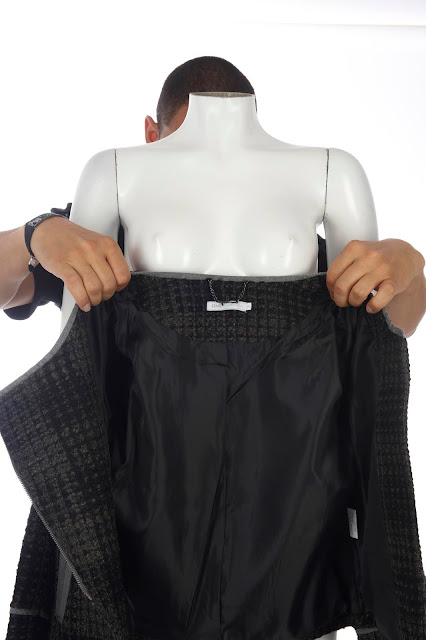
A ghost mannequin effect gives a product dimension and shows parts of the product that would otherwise be obscured by a mannequin or model in a single shot. In a nutshell, it’s an easy way to give your eCommerce store a professional touch and makes it a lot easier for potential customers to visualize products in their minds. In this article, I’m going to walk you through the process of setting up your shoot, capturing the right photos, and editing your photos in Photoshop to produce the ghost mannequin effect. By the end of this blog post, you’ll know exactly how to capture photos that make it look as though your clothes are floating on an invisible body. Let’s get started! Step 1: Choose a mannequin The first thing you need to do is prepare your studio for the shoot. First, make sure you have a good-quality mannequin. You can use a model, but a mannequin will give you the most consistent photos. Even if you use the same model for all...